


To edit and format the content, user can use toolbar, shortcut keys, and context menu. Context menu in WebTextEditor is not enabled by default. To enable context menu, simply set EnableContextMenu property to True.
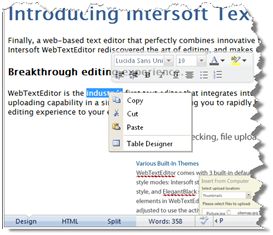
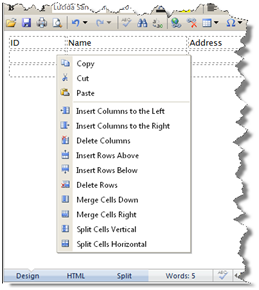
When enabled, context menu will be displayed when user performs right click in editor area. When user performs right click in table-cell element, cell actions will also be listed in context menu.
When Spell Checker mode is active, the word suggestions will also be listed in context menu, however the context menu used in this mode is not the same menu used in WebTextEditor. The context menu in WebTextEditor will be disabled temporarily when Spell Checker mode is active.
 See Also
Other Resources
Customize Context Menu